
How to Activate the Server Whitelist
The whitelist allows you to control who can join your server. Only players you add to the list can join, making it ideal for private servers. Follow these steps to activate it.
Step 1: Access your server's control panel
- Log in to the XeroHost control panel: https://panel.xerohost.net
- Select the Minecraft server you want to configure.
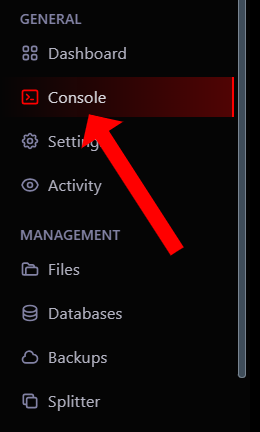
- In the left menu, go to the Console section.
Step 2: Activate the whitelist
To activate the whitelist, you only need to run a command in the server console:
-
In the command line, type the following and press **Enter**:
whitelist on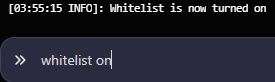
Step 3: Add players to the whitelist
Now that the whitelist is activated, players not on the list will not be able to join. To add your friends, use the following command:
-
In the console, type the following, replacing "player_name" with the Minecraft username you want to add:
whitelist add player_name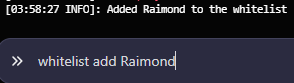
- Repeat this command for each player you want to include.
Useful commands for the whitelist
-
To view the list of players:
whitelist list -
To remove a player:
whitelist remove player_name -
To deactivate the whitelist:
whitelist off